Move the workplace without losing the work
Bay Area Office and Commercial Moving Planning
The best office move plan begins with business continuity. Decide what must remain available, when each space can be accessed, who owns each decision, and what needs to work first at the destination.
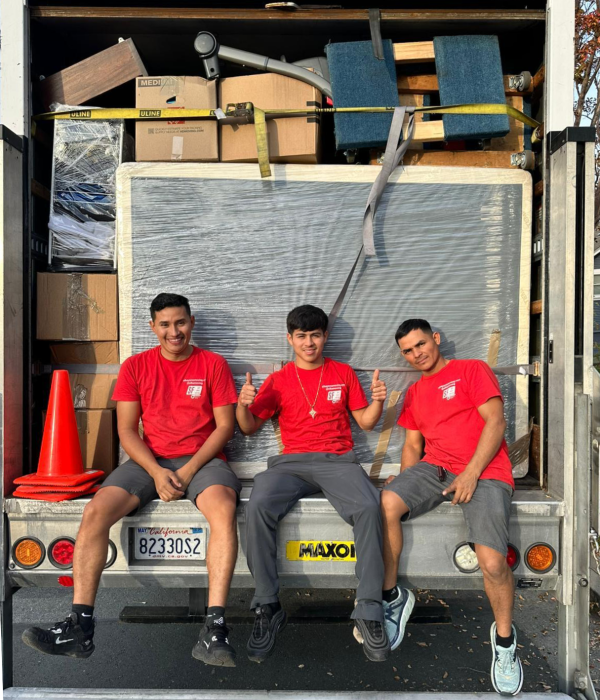
A business move should protect operations, equipment, building access, and the reopening plan, not just move desks from one address to another.
Plan around downtime
Work backward from the moment the team, customers, or patients need the new location to function.
- Set the last operational hour.
- Define the earliest safe reopening.
- Identify systems that cannot go offline together.
Separate equipment from furniture
Desks and chairs need a different plan from monitors, servers, printers, records, tools, or specialized equipment.
- Assign ownership for IT disconnects.
- Label equipment by person or destination.
- Document sensitive or high-value items.
Confirm both building rulebooks
Commercial properties may control docks, freight elevators, insurance documents, parking, security, and after-hours access.
- Get written move instructions.
- Confirm dock and elevator bookings.
- Name the onsite contact for each property.
Design the first working day
Reception, phones, internet, priority workstations, records, and customer-facing areas should have a deliberate setup order.
- Create a first-open floor plan.
- Stage priority departments.
- Test access and critical equipment before reopening.
SERVICE LINKS THAT MATCH THIS GUIDE
CITY PAGES TO CHECK NEXT
QUESTIONS PEOPLE ASK AROUND THIS TOPIC
Can an office move happen after business hours?
Possibly, depending on availability and both buildings' rules. Share the required schedule early so it can be evaluated.
Who should manage communication during the move?
Choose one decision-maker and one onsite contact at each address. Too many parallel instructions can slow the move.
Should IT equipment be listed separately?
Yes. Explain who disconnects, packs, transports, and reconnects sensitive equipment, and identify anything requiring special handling.