
service guide
Moving a Home Office Without Missing Monday's First Meeting
A remote-work moving plan for computers, monitors, files, internet setup, cable photos, client privacy, and a fast workstation restart.
Written by Movers In Bay Area Editorial Team. Reviewed by Local Move Team. Updated June 11, 2026.
Quick takeaways
- Back up data before disconnecting anything.
- Keep critical work equipment in a controlled lane.
- Test internet and power before the first workday.
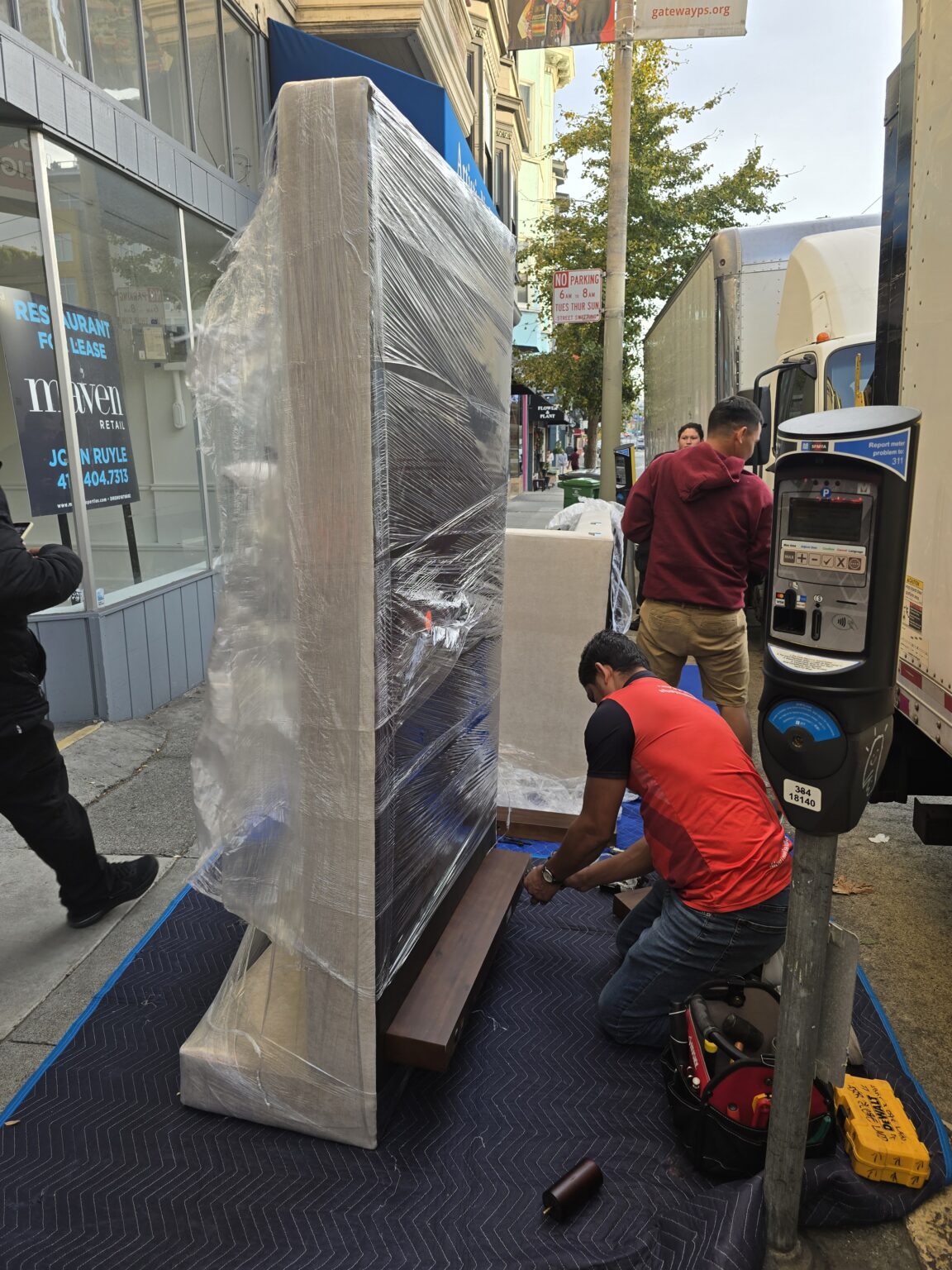
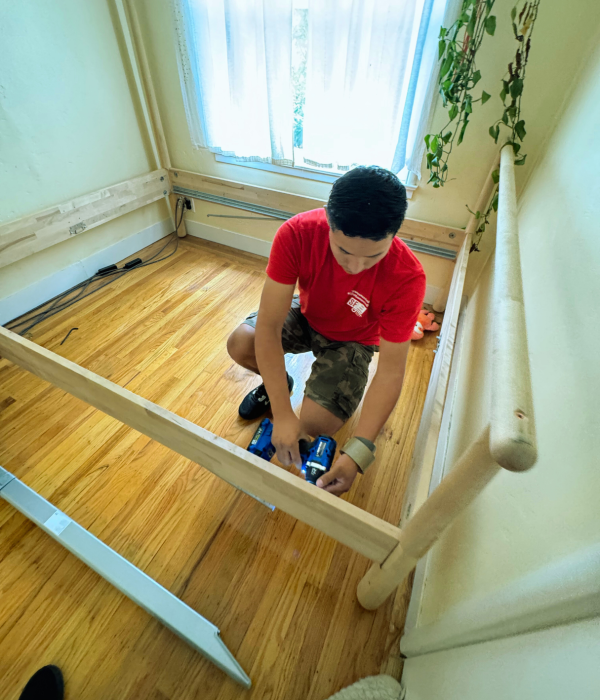
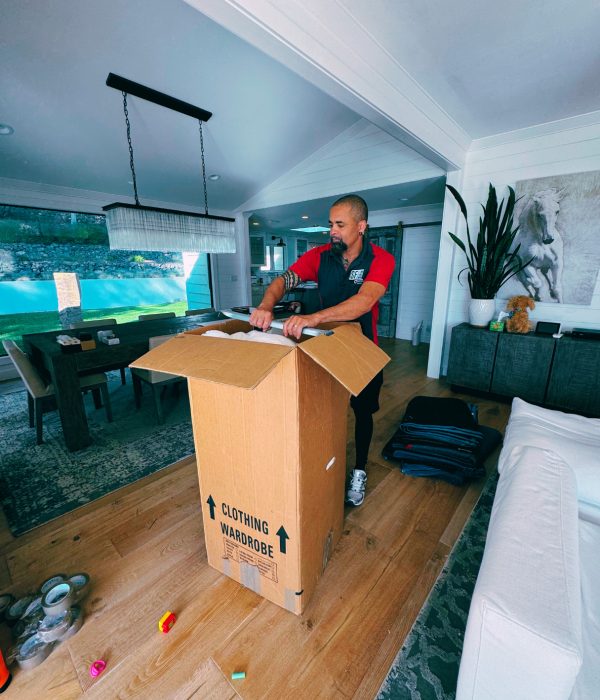
01Design a downtime window
Choose the last meeting before shutdown and the first meeting after setup. Build enough buffer for internet, furniture, and cable problems instead of assuming the desk will be perfect immediately.
02Back up and document
Complete backups, photograph cable connections, label power supplies, and separate company-owned equipment. Sensitive files and authentication devices should remain personally controlled.
03Pack monitors and peripherals as a system
Match each monitor, stand, cable set, dock, keyboard, and accessory to the workstation it belongs to. Small adapters are often the pieces that delay restart.
Ready to see what your move would cost?
04Move the desk with the room plan in mind
Measure the new workspace, outlets, doorways, and stair turns before deciding what furniture should travel. Disassembly is easier when hardware is labeled and attached to the correct piece.
05Create a minimum viable workstation
Set up internet, laptop, charger, one screen, headset, and essential files first. The rest of the office can become beautiful after work continuity is protected.
Frequently asked questions
Should my work laptop go on the truck?
Many people keep critical or company-owned devices with them; follow employer policy and your mover's guidance.
How do I avoid losing cables?
Label both ends, photograph setups, and pack each workstation's cables together.
When should I schedule internet service?
Arrange it early and verify activation timing before the first required workday.